Motion Graphics
Master the art of motion graphics, from concept to final render. Learn industry-standard tools, advanced animation techniques, and storytelling fundamentals to create stunning visual narratives. Transform static designs into captivating dynamic experiences. Start creating today!
Create professional motion graphics in our intensive 4-week course
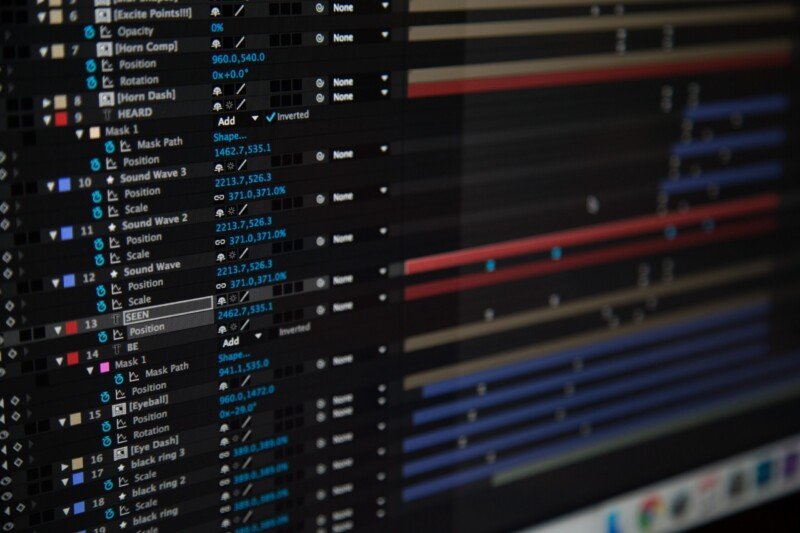
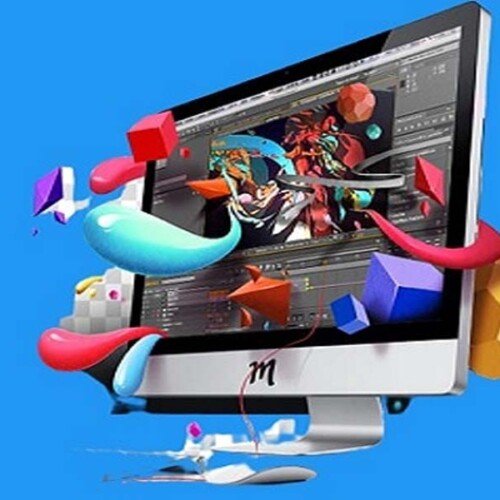
Designed for aspiring motion designers, this comprehensive four-week course on Seed LMS guides you step-by-step through Adobe After Effects and modern AI workflows using Gemini. You will master the essential skills of layer management, keyframe animation, kinetic typography, masking, and 2.5D space while building a professional, broadcast-quality pipeline. Beyond the core four weeks, you’ll receive a full month of free, one-on-one mentorship to polish your final animations, troubleshoot your expressions in real-time, and confidently build your motion portfolio. Choose from our curated pool of 10 exciting project briefs, refine your skills, and graduate with a professional animation reel.
Course Outline
Week 1: The Foundation – Interface, Layers & Timing
Topic A: Introduction & Workflow
- The Motion Pipeline: From Storyboard to Final Render.
- Interface Tour: Project Panel, Composition Panel, Timeline, and Layer Controls.
- Composition Settings: Resolution (1080p vs 4K), Frame Rates (24fps vs 30fps vs 60fps), and Duration.
- Importing Assets: Organising the Project panel and importing Illustrator/Photoshop files properly.
Topic B: Layers & The “Big 5” Properties
- Layer Types: Solids, Text, Shapes, and Null Objects.
- Transform Properties: Anchor Point (A), Position (P), Scale (S), Rotation (R), Opacity (T).
- Keyframing 101: Setting, moving, and deleting keyframes. The stopwatch icon.
Topic C: Timing & Rendering Basics
- Timing: How the distance between keyframes affects speed.
- RAM Preview: Previewing animation smoothly (Spacebar vs. Numpad 0).
- Rendering (The Easy Way): Using the native Render Queue to export MP4 (H.264) directly. Understanding “Output Module” settings.
Week 2: Shapes, Typography & Masks
Topic A: The Power of Shape Layers
- Creating Shapes: Rectangles, Ellipses, Stars, and Pen Tool paths.
- Shape Modifiers: The “Add” menu (Trim Paths, Repeater, Zig Zag).
- Spotlight: Using Trim Paths to create self-drawing lines and borders.
Topic B: Kinetic Typography (Text Animation)
- Text Animators: Beyond basic keyframes. Using Range Selectors to animate letters individually (Tracking, Opacity, Scale).
- Presets: How to browse, apply, and customise built-in text presets.
Topic C: Masking & Mattes
- Masking: Using the Pen tool to hide/reveal parts of a layer.
- Track Mattes: Alpha Matte vs. Luma Matte. Using one layer (like a shape) to cut a hole in another (like a video).
Week 3: Physics, Parenting & 2.5D Space
Topic A: The Graph Editor (Refining Motion)
- Easing: Easy Ease (F9) vs. Linear Keyframes.
- The Speed Graph: Adjusting handles to create “Snappy” or “Smooth” motion.
- Motion Blur: Enabling motion blur for realism.
Topic B: Hierarchy & Parenting (Basic Rigging)
- Parenting: The “Pickwhip” tool. Linking layers so they move together.
- Null Objects: Using invisible controllers to manage groups of layers (e.g., moving a whole car by parenting wheels and body to a Null).
- Simple Expressions: Using
loopOut()to make animations repeat forever automatically.
Topic C: 2.5D Space (3D Layers)
- 3D Switch: Turning 2D layers into 3D objects (X, Y, Z axes).
- Cameras: Creating a Camera layer to fly through a scene.
- Lights: Spotlights vs. Point lights and casting simple shadows.
Week 4: AI Workflow, Polish & Final Sprint
Topic A: AI-Assisted Workflow (Using Gemini)
- Ideation: Using Gemini (Free Tier) to generate scripts for Explainer Videos or concepts for Motion Graphics.
- Prompt Example: “Write a 15-second script for a motion graphics ad selling a futuristic sneaker.”
- Expression Debugging: Copy-pasting error codes or complex expression requests into Gemini to get instant fixes.
- Visual Planning: Using AI to generate text-based descriptions for storyboards.
Topic B: Effects & Colour Correction
- Adjustment Layers: Applying effects (like Noise or Curves) to the entire timeline at once.
- Stylisation: Using “Glow,” “Drop Shadow,” and “Gaussian Blur” to add polish.
- Transitions: Creating simple transitions (Slide, Wipe) manually instead of using presets.
Mentorship & Portfolio Polish
After four weeks of core instruction, students enter a free 1-month mentorship delivered online via Discord. This phase shifts the focus from learning new tools to applying them to industry standards.
- Project Polish & Portfolio Building: Finish or redo your 2 required projects. High-quality submissions ensure better scores and a stronger portfolio.
- Weekly 1-on-1 Sessions: Each student is assigned a dedicated mentor for a personalised 30 to 60-minute weekly guidance session.
- Open File Reviews: Present open project files via live screen sharing for direct mentor critiques and feedback.
- Live Debugging: Join dedicated livestreams where instructors actively troubleshoot settings and fix your project errors in real-time.
- Final Premiere: Submit your fully rendered images or video for the Virtual Viewing Party to watch and critique final reels with the class.
- Certification & Next Steps: Complete the course evaluation and submit all final polished projects to finalise grading and unlock your Certificate of Completion.
What’s Inside?

1-on-1 Mentorship
One full month of dedicated expert guidance tailored to your specific goals.

Seed LMS Access
Lifetime access to the Student Portal, hosting all your modules and resources.
Weekly Interactive Quizzes
Test your skills and track progress with gamified assignments and feedback.

Official Certification
Validate your expertise with a digital certificate recognized by industry leaders.
What You Will Learn
- Navigate the After Effects interface and master the “Big 5” transform properties
- Animate custom shape layers and utilise modifiers like Trim Paths for dynamic lines
- Create engaging kinetic typography using text animators and range selectors
- Apply masks and track mattes to hide, reveal, and composite visual elements
- Refine animation timing and physics using easy ease and the Graph Editor
- Build 2.5D scenes using 3D layers, virtual cameras, null objects, and lighting
- Utilise AI tools to write scripts, brainstorm concepts, and troubleshoot expressions