3D Generalist Diploma
Master the full spectrum of 3D production in 12 months. Using our signature “Overlap Strategy,” you will transform from an absolute beginner into a versatile powerhouse. Access industry-standard tools, AI-infused workflows, and 1-on-1 expert mentorship to build the comprehensive high-fidelity portfolio that gets you hired.
₦1,300,000
₦1,160,000
- Duration: 12 months
- Benefits: Mentorship and Internship Opportunities
- Salary Range: ₦200k to 500k
- Opportunities: chance of employment at Orange VFX*
Build a job-ready 3D Generalist portfolio in 12 months
This comprehensive, 12-month programme is designed to transform absolute beginners into versatile industry professionals capable of handling every stage of the 3D production pipeline. Whether you are an aspiring creator or looking to transition into the creative economy, this diploma provides a structured pathway to professional mastery. By the end of your training, you will possess a high-quality, job-ready portfolio and the technical skills to create full 3D models, build functional rigs, and animate believable, emotive characters and scenes from scratch.
Progression Timeline
Month 1: The Gateway to 3D
- Core Classroom Training: 3D Animation Jumpstart Course
- Primary Software: Autodesk Maya
- Course Goal: Master interface navigation, understand 3D space, and establish a robust baseline of core principles before diving into complex workflows.
- Mentorship & Polish: None. Focus entirely on internalising core digital fundamentals and completing initial assignments.
Month 2: Hard-Surface Techniques
- Core Classroom Training: 3D Product Modelling Course
- Primary Software: Autodesk Maya
- Course Goal: Master hard-surface techniques, extracting geometry to model consumer products, gadgets, and accessories with clean topology and accurate proportions.
- Mentorship & Polish (3D Animation Jumpstart): Enter your first weekly 1-on-1 sessions to re-optimise your foundational digital assets under expert guidance.
Month 3: Organic Shapes
- Core Classroom Training: 3D Character Modelling Course
- Primary Software: Autodesk Maya
- Course Goal: Move into organic shapes, mastering concept blocking, retopology, and industry-standard edge flow to construct fully animation-ready character meshes.
- Mentorship & Polish (3D Product Modelling): Work 1-on-1 with your mentor to troubleshoot topology, refine geometric proportions, and polish your hard-surface product models.
Month 4: Skeletal & Control Systems
- Core Classroom Training: 3D Character Rigging Course
- Primary Software: Autodesk Maya
- Course Goal: Learn to build the “skeletons” and control systems that make characters move, mastering joint hierarchies, skinning, and functional rig creation.
- Mentorship & Polish (3D Character Modelling): Perfect your organic character meshes with your mentor, ensuring clean edge flows and optimal wireframes for deformation.
Month 5: Digital Texturing & Shading
- Core Classroom Training: 3D Texturing & Shading Course
- Primary Software: Autodesk Maya + 3D Substance Painter
- Course Goal: Bring models to life by mastering UV unwrapping, material creation in Maya’s Hypershade, and seamless texture generation using Substance and modern AI workflows.
- Mentorship & Polish (3D Character Rigging): Dedicate this period to testing and debugging your skeletal control rigs, fixing skin-weighting issues with your mentor to ensure they are production-ready.
Month 6: Character Acting (Part 1)
- Core Classroom Training: 3D Character Acting Course (Part 1)
- Primary Software: Autodesk Maya
- Course Goal: Begin breathing life, emotion, and personality into characters, exploring performance mechanics and foundational movement cycles.
- Mentorship & Polish (3D Texturing & Shading): Refine your look-development portfolio, working with your mentor to elevate material details, maps, and texture resolutions.
Month 7: Character Acting (Part 2)
- Core Classroom Training: 3D Character Acting Course (Part 2)
- Primary Software: Autodesk Maya
- Course Goal: Master advanced performance techniques including lip-sync, intricate facial animation, and nuanced acting adjustments that connect with audiences.
- Mentorship & Polish: Acting Lab Support. Receive targeted, specialised feedback and project support as you navigate complex character performances.
Month 8: Cinematic Polish
- Core Classroom Training: 3D Lighting and Rendering Course
- Primary Software: Autodesk Maya + Arnold Renderer
- Course Goal: Apply the final cinematic polish, mastering lighting principles, the Arnold renderer, and compositing to achieve photorealistic results.
- Mentorship & Polish (3D Character Acting): Work 1-on-1 with an animation mentor to resolve acting performance issues, improve timing, and polish lip-sync accuracy.
Month 9: The Major Project Launch
- Core Classroom Training: Capstone Production Kickoff
- Primary Software: Autodesk Maya + 3D Substance Painter
- Course Goal: Pitch, plan, and outline your major generalist project, conceptualising a full 3D scene that demonstrates your mastery across the entire pipeline.
- Mentorship & Polish (Lighting and Rendering): Refine the cinematic look-development of your past scenes, ensuring optimal render settings, sample management, and realistic light interactions.
Month 10: Advanced Integration
- Core Classroom Training: Advanced Generalist Integration
- Primary Software: Autodesk Maya + 3D Substance Painter
- Course Goal: Integrate all aspects of the pipeline—combining advanced modelling, shading, rigging, animation, and rendering smoothly within a unified production scene.
- Mentorship & Polish: Project Mentorship. Receive direct technical oversight and pipeline troubleshooting on your capstone assets.
Month 11: Portfolio Assembly
- Core Classroom Training: Portfolio Development
- Primary Software: Autodesk Maya + 3D Substance Painter
- Course Goal: Structure, arrange, and design your presentation elements, ensuring your professional presentation identity is modern and studio-aligned.
- Mentorship & Polish: Project Mentorship. Carry out advanced debugging and polish individual capstone segments under direct mentor review.
Month 12: The Final Showreel
- Core Classroom Training: No new classes.
- Month 12 Focus (Final Portfolio Compilation): Your final month is completely dedicated to assembling your comprehensive portfolio. You will compile all your polished pipeline projects and your capstone sequence into a professional showreel for a final, detailed review by your mentor to certify your readiness for the global creative economy.
What’s Inside?

1-on-1 Mentorship
One full month of dedicated expert guidance tailored to your specific goals.

Seed LMS Access
Lifetime access to the Student Portal, hosting all your modules and resources.
Weekly Interactive Quizzes
Test your skills and track progress with gamified assignments and feedback.

Official Certification
Validate your expertise with a digital certificate recognized by industry leaders.
The Orange Seed Advantage
- Portfolio Guarantee: Graduate with a professional showreel to secure top creative roles.
- Overlap Strategy: Polish past projects alongside new classes to meet studio standards.
- Studio Internship: Top students unlock a 3-month internship at Orange VFX Studios.
- AI Workflows: Master industry-leading AI tools to accelerate your overall production.
- Industry Network: Lifetime Discord access for real-time peer networking and job alerts.
Courses In This Module
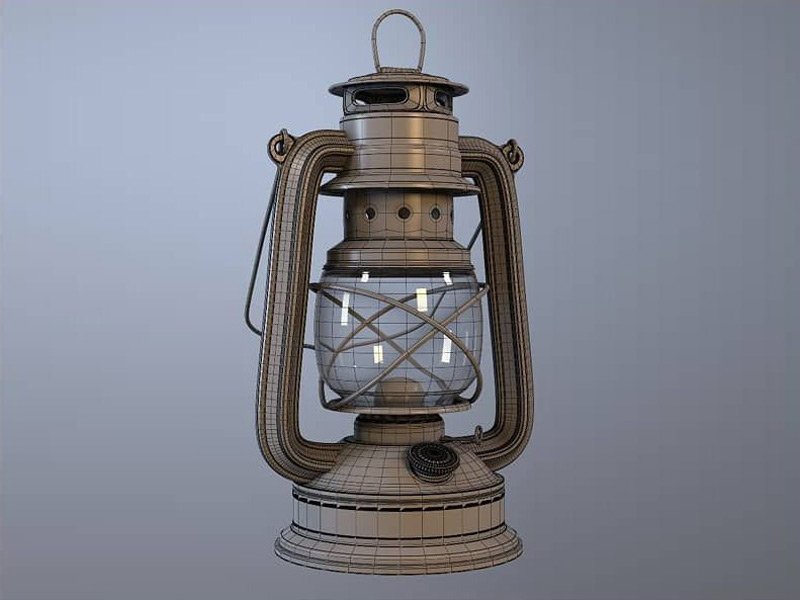
3D Animation Jumpstart
Start your 3D animation journey in Autodesk Maya with hands-on projects, core animation principles, and portfolio-ready shots.
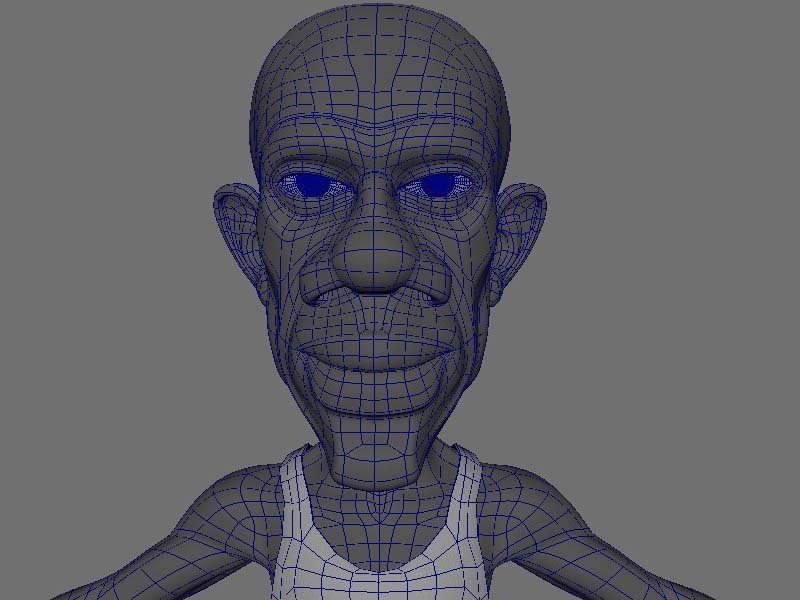
3D Character Modelling
Learn 3D character creation from modeling to UV mapping and texturing to build optimized, animation-ready characters.

3D Product Modelling
Create stunning 3D models with lighting, texturing, and rendering skills for marketing, e-commerce, and portfolio-ready visuals.
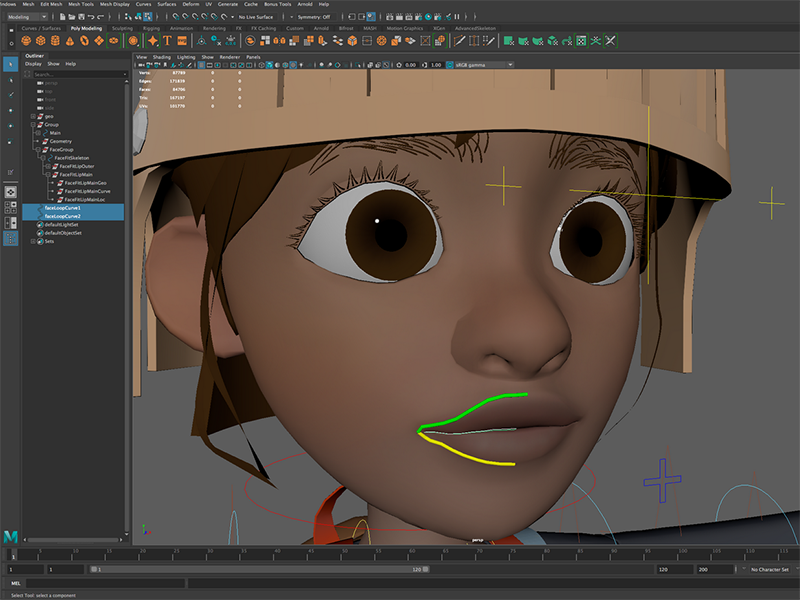
3D Character Rigging
Learn 3D rigging, skinning, and control systems to create functional, animation-ready characters for games and film.
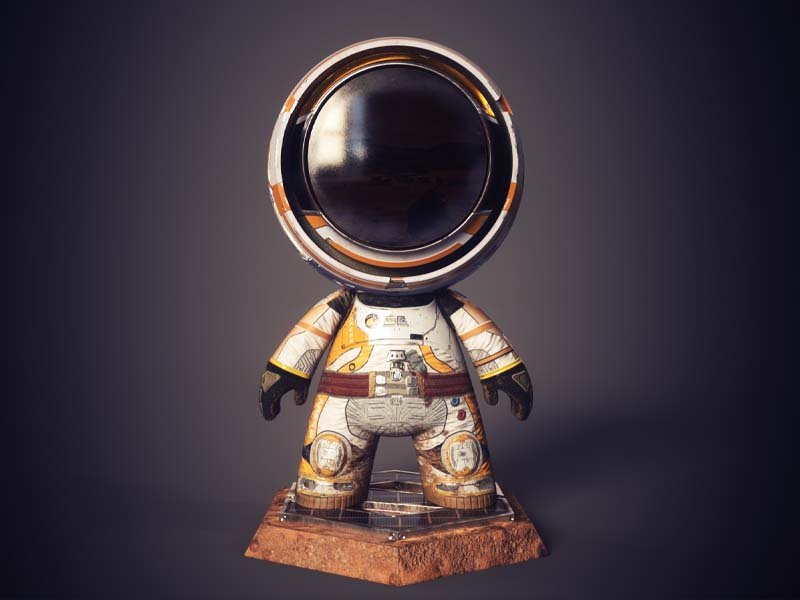
3D Texturing/Shading
Add realism to 3D models with texturing and shading. Learn PBR workflows to create believable surfaces for any engine or platform.
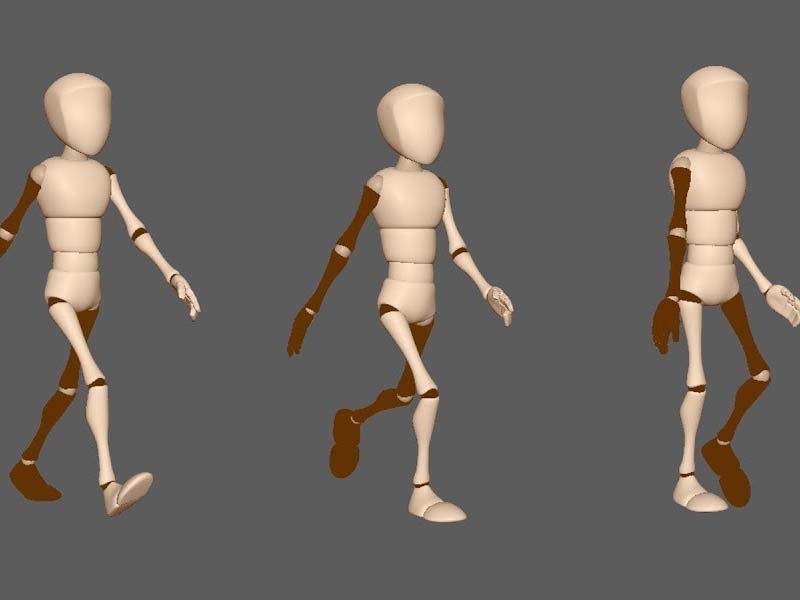
3D Character Acting
Master 3D character acting with emotional expression, body language, and performance techniques that bring characters to life.
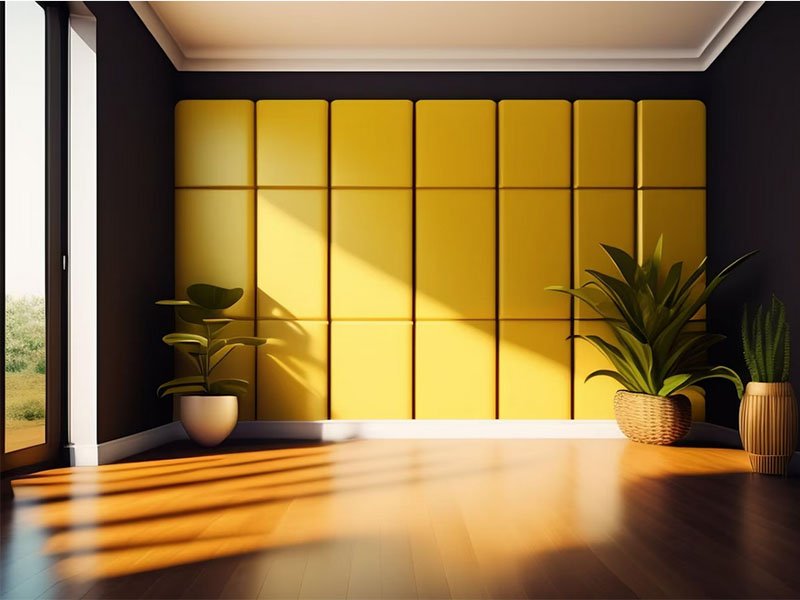
Lighting & Rendering
Master lighting, rendering engines, global illumination, and materials to create photorealistic, atmospheric visuals for film and games.
