Summer Camp 2026
Is your child spending this summer scrolling through videos, or are they ready to start creating them? Welcome to the Orange Summer Camp, hosted by Orange Seed Academy. This August, we are turning curiosity into real-world creative skills. In just 4 weeks, your child can master the foundations of digital creation using industry-standard tools. No prior experience is needed. Whether they want to be the next big digital artist or simply explore a fun, high-income future skill, this is where their journey begins.
Courses Available
AI Animation
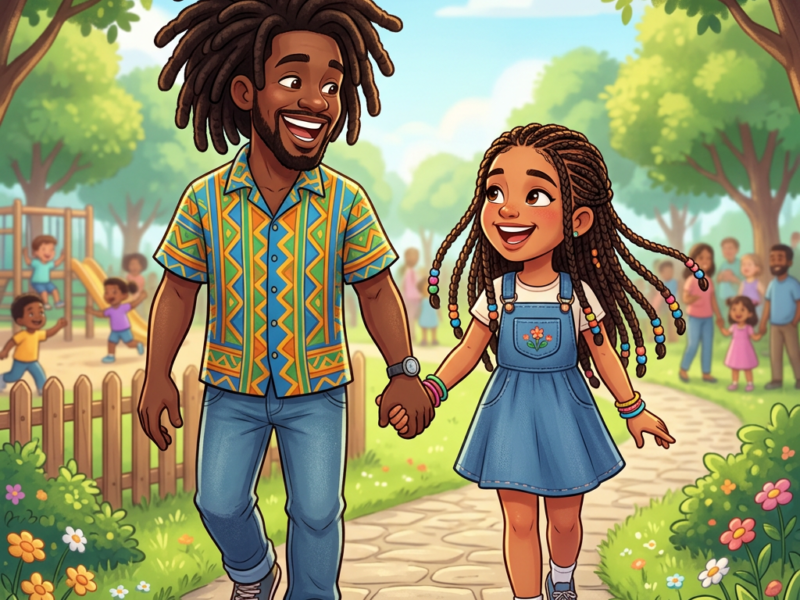
In the AI Animation track, kids turn their wildest ideas into videos, design multi-frame stories, and bring characters to life using modern tech
Editing with CapCut
In the Editing with CapCut track, kids piece together footage, add cool effects, and master transitions to create their own cinematic videos.
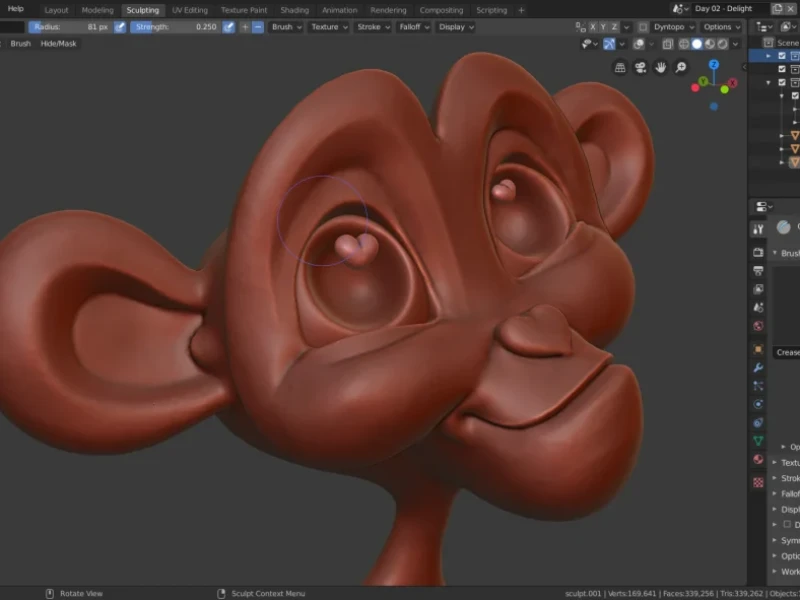
3D with Blender
In the 3D Blender track, kids design virtual worlds, model cool characters, and explore the fundamentals of digital sculpting and animation.
Design with Canva
In the Design with Canva track, kids create eye-catching graphics, build custom posters, and learn the basics of visual layout and branding.
09:00 AM – 12:00 PM
Morning Session
-
First 45 Minutes: Live interactive demonstration and concept introduction.
-
Remaining Time: Supervised hands-on creation and production labs.
12:00 PM – 3:00 PM
Afternoon Session
-
First 45 Minutes: Live interactive demonstration and skill breakdown.
-
Remaining Time: Supervised project design and editing labs.
Weekly Curriculum
Week 1: Digital Media Foundations & Asset Production
Morning Session (9:00 am – 12:00 pm): AI Animation — Fun Storyboarding & Concepts
- Focus: Introducing the basics of creative AI tools to generate simple story scripts, cartoon characters, and visual storyboards.
- Monday: Introduction to safe AI tools; exploring how to write simple prompts using descriptive words and setting up our workspace.
- Tuesday: The Fun Script Generator – Using guided AI prompts to brainstorm adventure themes, design silly character profiles, and write a simple 1-minute story.
- Wednesday: My First Character Art – Learning how to prompt an image generator to create a cartoon character and a colorful background for their world.
- Thursday: Building the Storyboard – Arranging the generated images in a sequence to tell a clear, visual story from start to finish.
- Friday (Milestone 1): Class showcase of individual “Story Pitch Decks” featuring the final script and character pictures.
Afternoon Session (12:00 pm – 3:00 pm): Editing with CapCut — Trimming & Pacing Basics
- Focus: Understanding the video editing timeline, importing assets, trimming unwanted footage, and syncing actions to music.
- Monday: CapCut orientation; importing media assets, dragging files onto the video track, and practicing the split and cut tools.
- Tuesday: Editing to the Beat – Finding a fun background music track and trimming clip durations so that scene changes match the rhythm of the music.
- Wednesday: Smooth Transitions – Adding simple fades and cuts between clips to make the story flow naturally without jarring jumps.
- Thursday: Fun Captions & Titles – Using the auto-caption tool to generate text on screen and choosing bright, easy-to-read styles and colors.
- Friday (Milestone 1): Screening a completed, neatly trimmed 30-second music-driven video track.
Week 2: Movie Assembly & Project Showcases
Morning Session (9:00 am – 12:00 pm): AI Animation — Making Art Move
- Focus: Turning still drawings into simple video clips, adding voiceovers, and generating raw animated segments.
- Monday: Introduction to basic image-to-video tools; learning how to use simple prompts to make a character blink, wave, or walk.
- Tuesday: Animating the Scene – Converting the uniform character artwork from Week 1 into a collection of moving video clips.
- Wednesday: Voice & Sounds – Using a text-to-speech tool to generate fun character voices and adding basic, built-in sound effects (like footsteps or giggles).
- Thursday: The Video Export – Assembling and preparing all raw generated AI elements for final layout processing.
- Friday (Milestone 2): Class review and selection of final rendered AI asset packages.
Afternoon Session (12:00 pm – 3:00 pm): Editing with CapCut — Advanced Video Layouts
- Focus: Using video stickers, tracking multi-layer streams, and compiling the final morning project clips into a complete video.
- Monday: Working with video overlays to place fun graphics, text bubbles, or stickers on top of baseline video footage.
- Tuesday: Green Screen Fun – Learning how to click and remove a green screen backdrop to place an asset into an entirely new location.
- Wednesday: Color Adjustments – Using simple brightness, contrast, and filter settings to make video clips look cohesive and clean.
- Thursday: The Final Assembly – Combining the morning session’s AI animated clips, synthetic voices, and background tracks into one polished movie track.
- Friday (Milestone 2): Grand screening room for each student’s completed 1-minute AI-animated short film.
Week 3: Introduction to 3D Spaces & Visual Graphics
Morning Session (9:00 am – 12:00 pm): 3D with Blender — Navigating the 3D World
- Focus: Getting comfortable in a virtual 3D workspace and manipulating basic shapes into simple objects.
- Monday: The 3D playground; learning how to view a 3D space from different angles and move, scale, and rotate basic blocks.
- Tuesday: Building Low-Poly Props – Using simple extrusion tools to pull and stretch shapes into basic objects like a sword, a shield, or a castle tower.
- Wednesday: Building a Block Character – Stacking cubes, cylinders, and spheres together to construct a blocky robot or a toy mascot.
- Thursday: Adding Color – Applying basic colors and materials to make the 3D block objects look shiny, metallic, or matte.
- Friday (Milestone 3): Exporting a clean picture of their custom 3D model scene to share.
Afternoon Session (12:00 pm – 3:00 pm): Design with Canva — Fun Visual Layouts
- Focus: Understanding basic shapes, colors, and layout rules to build digital graphics and a personal brand identity.
- Monday: Tour of the Canva dashboard; learning how to drag, drop, resize, and organize elements on a page.
- Tuesday: Color & Font Match-Up – Playing with cool font pairings and selecting color schemes that express different emotions.
- Wednesday: Cool Posters & Social Graphics – Creating simple posters by combining personal photos with shapes, stickers, and simple background-removal tools.
- Thursday: My Creator Brand Kit – Designing a personalized name logo and saving a signature color palette to use on future projects.
- Friday (Milestone 3): Presenting a customized “Personal Creator Brand Kit” to classmates.
Week 4: 3D Movement Loops & Interactive Portfolios
Morning Session (9:00 am – 12:00 pm): 3D with Blender — Simple Animation & Cameras
- Focus: Learning how keyframes work, setting up simple movement loops, and rendering out a video file.
- Monday: Introduction to the animation timeline; understanding how to save a starting position and an ending position to create motion.
- Tuesday: Character Motion Loops – Animating the block robot from Week 3 to do a simple action, like waving its hand or bouncing up and down.
- Wednesday: Camera & Studio Lights – Moving a virtual camera to get the best view of the character and adding simple lights to eliminate dark shadows.
- Thursday: The Render Button – Learning how to push the render command to let the computer save the 3D movement into a playable video file.
- Friday (Milestone 4): Final showcase screening of students’ original, moving 3D video clips.
Afternoon Session (12:00 pm – 3:00 pm): Design with Canva — Multi-Page Portfolios & Showreels
- Focus: Learning how to structure multiple pages, apply slide animations, and build a digital portfolio to display all camp work.
- Monday: Creating a multi-page presentation using a consistent layout and matching color themes.
- Tuesday: Simple Moving Designs – Adding fun page transitions and making individual shapes fade, slide, or pop onto the screen.
- Wednesday: My First Mini-Website – Designing a simple, clickable single-page website profile using pre-made Canva blocks.
- Thursday: The Camp Showreel Portfolio – Grouping the graphics, posters, 3D renders, and movie links made over the past month into a neat digital portfolio collection.
- Friday (Milestone 4): Grand summer camp showcase party where students launch their digital portfolios and parents watch the final creative video reels.
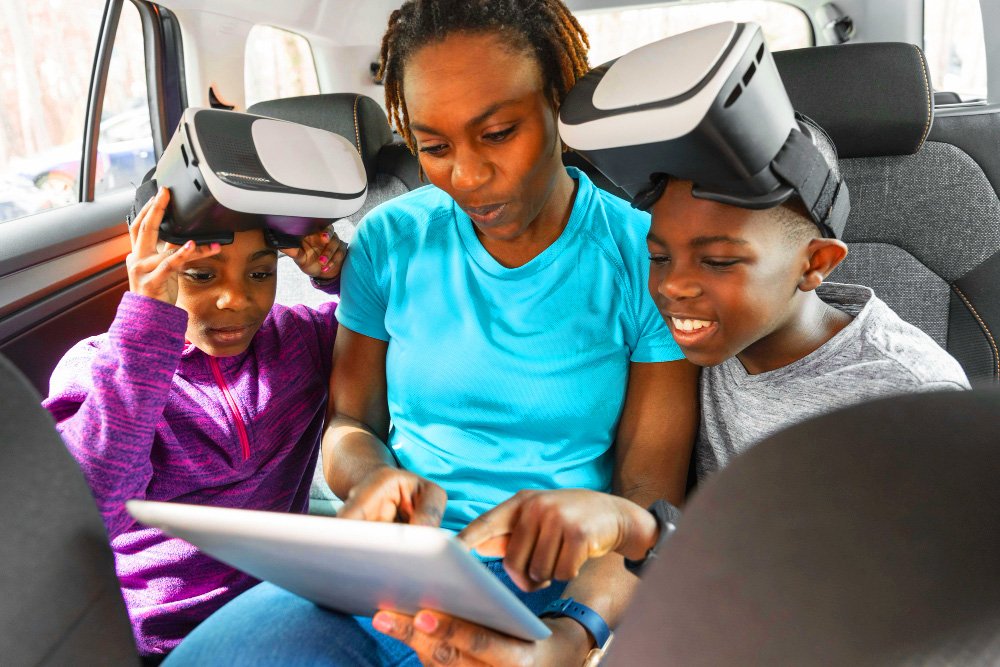
Only 8 Slots Left!
To maintain a high quality of supervision and ensure every single child gets direct, one-on-one mentorship from our expert instructors, we strictly cap our cohort sizes. We currently have only 8 slots remaining for the August 2026 cohort. Seats are filling up rapidly on a first-come, first-served basis. Don’t let your child miss out on Nigeria’s premier creative summer experience.
Frequently Asked Questions
Do you offer any optional program add-ons?
Yes! You can customize your child’s camp experience with two optional add-ons at an extra cost:
-
AI Model Home-Use Subscription: This grants home access to the advanced AI models used during camp sessions, allowing kids to continue experimenting and generating projects on their own devices.
-
Catered Lunch Plan: Save time on meal prep with a fully catered daily lunch pack sourced from a premium, reliable fast-food restaurant near the academy.
Can I pack lunch for my child instead?
Absolutely. While we offer a catered plan, parents are completely welcome to pack and send lunch for their kids daily.
What complimentary benefits are included in the camp tuition?
Every registered participant receives:
-
Official Certificate of Participation: A fantastic addition to your child’s budding creative portfolio.
-
Project-Based Learning: An immersive curriculum where kids complete both individual tasks and collaborative team projects.
-
Light Refreshments: Complimentary light snacks are provided daily to keep everyone’s energy levels up.
What does my child need to bring to the academy?
To get the absolute most out of our practical, hands-on sessions, each participant is highly encouraged to bring along their own laptop daily.
What are the minimum laptop specs my child needs for the camp?
To successfully run our 3D design (Blender) and video editing (CapCut) software, your child’s laptop must meet these absolute minimum technical standards:
-
Memory (RAM): 8 GB RAM (Minimum requirement for 3D modeling).
-
Processor (CPU): Intel Core i3 or AMD Ryzen 3 (Quad-core).
-
Operating System: Windows 10 (64-bit) or macOS 11.2 (Big Sur).
-
Graphics (GPU): Integrated graphics (Intel Iris Xe / HD 4000) supporting OpenGL 4.3.
-
Storage: 10 GB of free space.
-
Must-Have Accessory: A standard computer mouse with a scroll wheel (navigating 3D space on a laptop trackpad is too difficult for beginners).