3D Lighting & Rendering
Learn to create photorealistic lighting and atmospheric effects that bring depth and mood to your scenes. Master rendering engines, global illumination, and material setups to achieve professional-grade visuals for film and games.
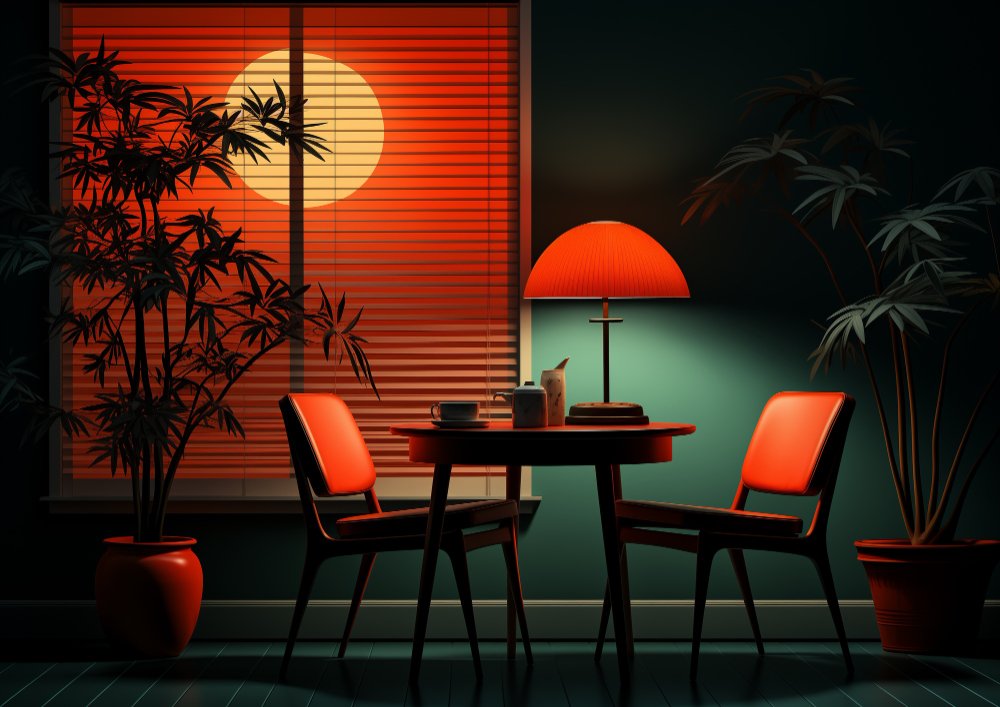
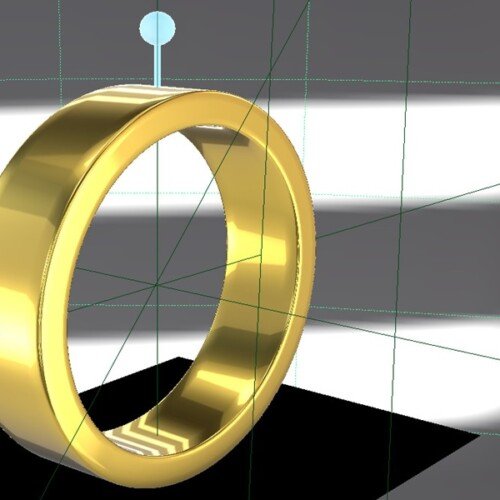
Create cinematic 3D renders in our intensive 2-week course
Designed for Aspiring Lighting and Look Development Artists , this comprehensive two-week course on Seed LMS guides you step-by-step through Autodesk Maya, Arnold Renderer, and modern AI workflows. You will develop the essential skills of digital lighting, physical shading, mood creation, and rendering optimisation while building a professional lookdev pipeline. Beyond the core two weeks, you’ll receive a full month of free, one-on-one mentorship to polish your final frames, troubleshoot your render noise in real-time, and confidently build your 3D portfolio. Choose from our curated pool of 10 exciting lighting briefs, refine your skills, and graduate with portfolio-ready, high-quality images.
Course Outline
Week 1: The Physics of Light & Materials
Topic A: Lighting Fundamentals
- Direct vs. Indirect Light: Understanding light bounces (Ray Tracing).
- Arnold Light Types: Area Lights (Soft shadows), Skydome (HDRI), Spotlights, and Mesh Lights.
- Light Attributes: Exposure vs. Intensity, Colour Temperature (Kelvin), and Samples.
Topic B: Shading & Lookdev
- Standard Surface Shader: Mastering the “Uber Shader” parameters.
- PBR Workflow: Diffuse, Roughness, Metalness, and Normal Maps.
- Transmission & Sub-Surface Scattering (SSS): Creating glass, skin, and wax.
Topic C: The Studio Setup
- 3-Point Lighting: Key, Fill, and Rim light logic.
- HDRI Lighting: Using High Dynamic Range Images for realistic reflections and ambient light.
Week 2: Mood, Storytelling & Rendering
Topic A: Mood & Atmosphere
- Volumetrics: Creating fog, god rays, and atmospheric perspective using aiAtmosphereVolume.
- Light Linking: Breaking the laws of physics to light specific objects without affecting others.
- Gobos & Blockers: Casting shadows to create visual interest (e.g., window blinds pattern).
Topic B: Innovative AI Workflow (Using Gemini)
- The Lighting Director: Describing a scene’s emotion to Gemini to get a lighting diagram.
- Prompt Example: “I have a 3D scene of a detective’s office. Describe a lighting setup (key, fill, rim positions and colours) that evokes a ‘Film Noir’ mystery mood.”
- Texture Generation: Using Gemini to brainstorm prompts for AI texture generators (like Adobe Firefly or free alternatives) to create seamless textures for walls/floors.
- Render Troubleshooting: Pasting Arnold log errors into Gemini for instant fixes.
Topic C: Rendering & AOV Strategy
- Sampling: Optimising AA (Anti-Aliasing), Diffuse, and Specular samples to remove noise.
- AOVs (Render Passes): Exporting Diffuse, Specular, Z-Depth, and CryptoMatte passes for compositing.
- Linear Workflow: Understanding Colour Space (ACES/sRGB) and Gamma correction.
Mentorship & Portfolio Polish
After two weeks of core instruction, students enter a free 1-month mentorship delivered online via Discord. This phase shifts the focus from learning new tools to applying them to industry standards.
- Project Polish & Portfolio Building: Finish or redo your 2 required projects. High-quality submissions ensure better scores and a stronger portfolio.
- Weekly 1-on-1 Sessions: Each student is assigned a dedicated mentor for a personalised 30 to 60-minute weekly guidance session.
- Open File Reviews: Present open project files via live screen sharing for direct mentor critiques and feedback.
- Live Debugging: Join dedicated livestreams where instructors actively troubleshoot settings and fix your project errors in real-time.
- Final Premiere: Submit your fully rendered images or video for the Virtual Viewing Party to watch and critique final reels with the class.
- Certification & Next Steps: Complete the course evaluation and submit all final polished projects to finalise grading and unlock your Certificate of Completion.
What’s Inside?

1-on-1 Mentorship
One full month of dedicated expert guidance tailored to your specific goals.

Seed LMS Access
Lifetime access to the Student Portal, hosting all your modules and resources.

Weekly Interactive Quizzes
Test your skills and track progress with gamified assignments and feedback.

Official Certification
Validate your expertise with a digital certificate recognized by industry leaders.
What You Will Learn
- Set up professional 3-point lighting and HDRI environments for realistic scenes
- Configure PBR shading networks using the Arnold Standard Surface shader
- Create realistic materials for glass, skin, and metal using physical properties
- Develop atmosphere and mood using volumetrics, light filters, and gobos
- Utilise AI tools to brainstorm lighting diagrams and solve technical render errors
- Optimise render settings and sampling to remove noise while reducing render time
- Export professional AOV passes and manage linear colour space workflows