3D Lighting & Rendering
Learn to create photorealistic lighting and atmospheric effects that bring depth and mood to your scenes. Master rendering engines, global illumination, and material setups to achieve professional-grade visuals for film and games.
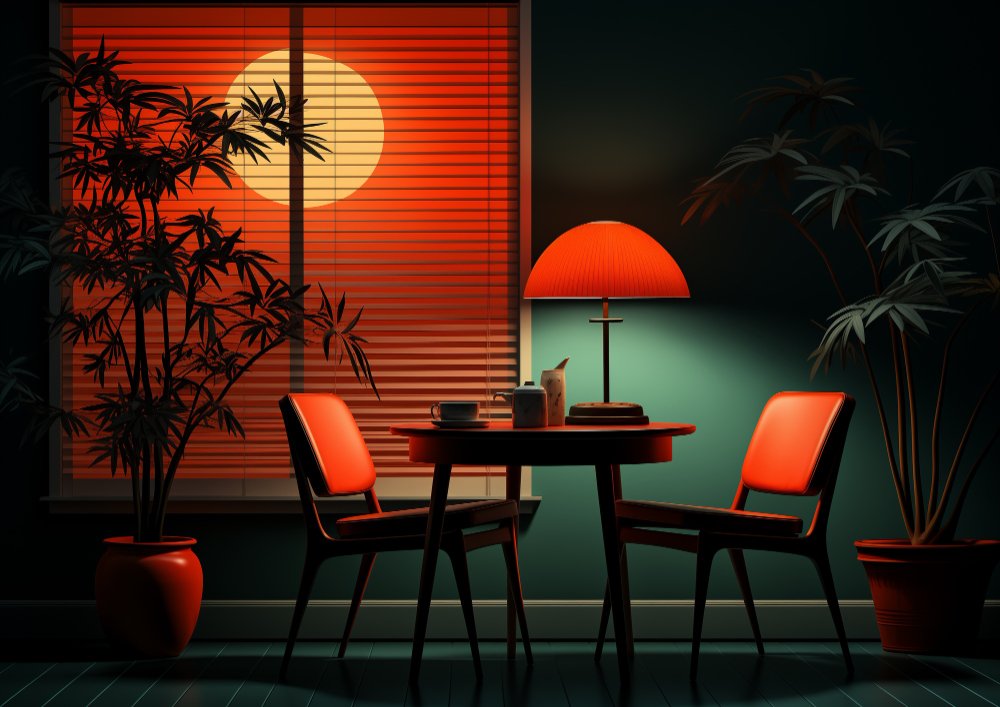
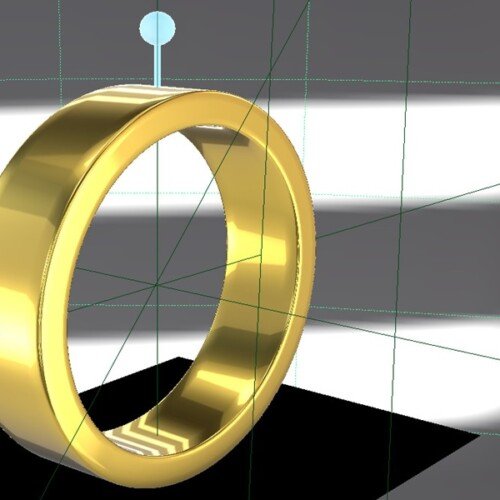
Learn how to Illuminate and Render Your 3D Art In 2 weeks
Dive into the captivating universe of 3D lighting and rendering with our short course designed explicitly for Arnold in Maya. Whether you’re a budding 3D artist, an aspiring visual effects specialist, or a digital art enthusiast, this course is tailored for you. It offers a unique opportunity to learn the core principles of the intricate art of lighting and rendering, a critical element that breathes life, mood, and depth into your 3D scenes. With a strong focus on Arnold, a globally recognised standard for rendering in Maya, you’ll learn to create photorealistic and high-quality renders. Join us, and let’s illuminate your 3D world, one light at a time.
This course outline is designed to equip students with a solid understanding of the principles of 3D lighting and rendering using Arnold for Maya. It covers technical skills and artistic concepts, providing a comprehensive learning experience for beginners and intermediate learners.
Course Outline
Week 1: The Physics of Light & Materials
Topic A: Lighting Fundamentals
- Direct vs. Indirect Light: Understanding light bounces (Ray Tracing).
- Arnold Light Types: Area Lights (Soft shadows), Skydome (HDRI), Spotlights, and Mesh Lights.
- Light Attributes: Exposure vs. Intensity, Colour Temperature (Kelvin), and Samples.
Topic B: Shading & Lookdev
- Standard Surface Shader: Mastering the “Uber Shader” parameters.
- PBR Workflow: Diffuse, Roughness, Metalness, and Normal Maps.
- Transmission & Sub-Surface Scattering (SSS): Creating glass, skin, and wax.
Topic C: The Studio Setup
- 3-Point Lighting: Key, Fill, and Rim light logic.
- HDRI Lighting: Using High Dynamic Range Images for realistic reflections and ambient light.
Week 2: Mood, Storytelling & Rendering
Topic A: Mood & Atmosphere
- Volumetrics: Creating fog, god rays, and atmospheric perspective using aiAtmosphereVolume.
- Light Linking: Breaking the laws of physics to light specific objects without affecting others.
- Gobos & Blockers: Casting shadows to create visual interest (e.g., window blinds pattern).
Topic B: Innovative AI Workflow (Using Gemini)
- The Lighting Director: Describing a scene’s emotion to Gemini to get a lighting diagram.
- Prompt Example: “I have a 3D scene of a detective’s office. Describe a lighting setup (key, fill, rim positions and colours) that evokes a ‘Film Noir’ mystery mood.”
- Texture Generation: Using Gemini to brainstorm prompts for AI texture generators (like Adobe Firefly or free alternatives) to create seamless textures for walls/floors.
- Render Troubleshooting: Pasting Arnold log errors into Gemini for instant fixes.
Topic C: Rendering & AOV Strategy
- Sampling: Optimising AA (Anti-Aliasing), Diffuse, and Specular samples to remove noise.
- AOVs (Render Passes): Exporting Diffuse, Specular, Z-Depth, and CryptoMatte passes for compositing.
- Linear Workflow: Understanding Colour Space (ACES/sRGB) and Gamma correction.
Mentorship & Portfolio Polish
After two weeks of core instruction, students enter a free 1-month mentorship delivered online via Discord. This phase shifts the focus from learning new tools to applying them to industry standards.
- Project Polish & Portfolio Building: Finish or redo your 2 required projects. High-quality submissions ensure better scores and a stronger portfolio.
- Weekly 1-on-1 Sessions: Each student is assigned a dedicated mentor for a personalised 30 to 60-minute weekly guidance session.
- Open File Reviews: Present open project files via live screen sharing for direct mentor critiques and feedback.
- Live Debugging: Join dedicated livestreams where instructors actively troubleshoot settings and fix your project errors in real-time.
- Final Premiere: Submit your fully rendered images or video for the Virtual Viewing Party to watch and critique final reels with the class.
- Certification & Next Steps: Complete the course evaluation and submit all final polished projects to finalise grading and unlock your Certificate of Completion.
